Build a load list before choosing a layout
Write down essential loads and identify their circuit locations. Include refrigeration, networking, lighting, medical equipment, heating or cooling equipment and any appliance with a compressor or motor. Record the exact nameplate information where available, and note which loads can be turned off before a larger one starts.
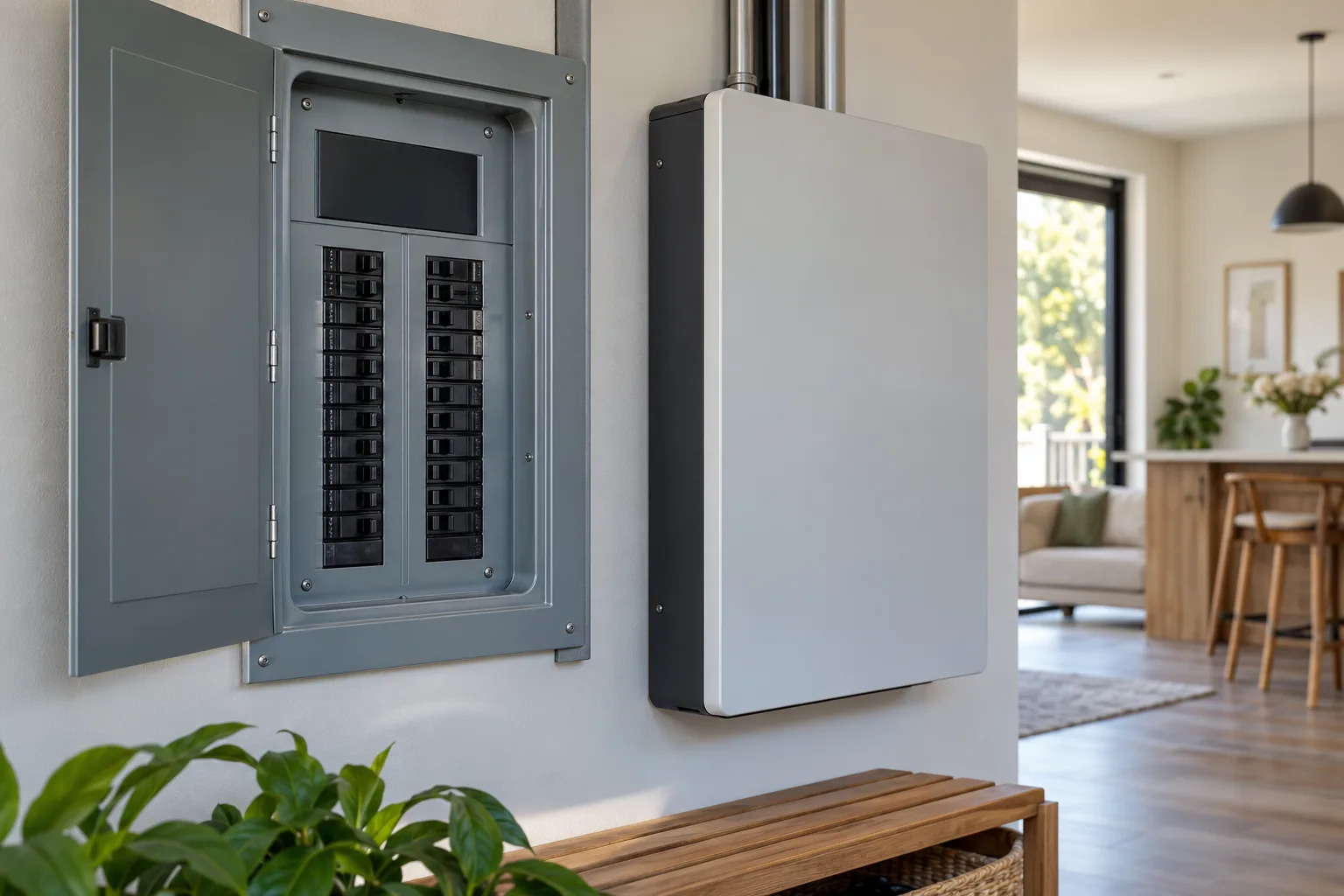
Ask the installer to check continuous demand and starting requirements against the system output, then explain which circuits the proposed configuration backs up. The proposal should say what happens during transfer, how the system isolates from the grid and how the loads can be expanded or changed later.
Confirm the manufacturer’s system boundary
Tesla’s system design identifies the Backup Gateway or Backup Switch as part of the installation and notes configuration-dependent whole-home or partial-home backup. Enphase’s Gen4 architecture uses the compatible IQ Combiner and Meter Collar, with specific controller compatibility limits. FranklinWH’s installation materials pair aPower 2 with a supported aGate configuration. Tesla system design, Enphase Gen4, and FranklinWH installation guide.
Ask the contractor to list the exact battery model, gateway or controller, transfer equipment, panel work and system configuration. Match each item against current manufacturer compatibility documents. Tesla’s pre-installation guidance describes a site assessment and electrical review before a proposal. Tesla pre-installation.
Questions to settle before signing
- Which circuits remain powered, and which are deliberately excluded?
- Which appliances can run together, and which require sequencing?
- What service, panel, gateway and transfer changes are included?
- How does the system behave when its battery reaches its reserve setting or the outage lasts longer than expected?
- Who verifies permits, inspections, utility requirements, commissioning and homeowner training?