← All complete kits

Computed kit · complete checklist

Complete Photography and Drone Field Kit

A redundant capture, charging, and offload workflow built around exact battery compatibility.

Direct answer: Jackery HomePower 3000 is the balanced fit from the scenario's shared recommendation policy. The checklist below covers the rest of the setup without turning every row into a product pitch.

Device energy / day
1,256 Wh
Running load
359 W
Energy for duration
2,513 Wh
Checklist depth
14 items
Source manifest · coverage checked

01 · Computed station + essential gear

Recommended kit core

Start with the primary role from this scenario's shared recommendation policy. Featured accessories appear only when they materially improve measurement, compatibility, safety, or setup.

Some links on this page are affiliate links. BatteryRank may earn a commission at no extra cost to you. Commission never affects whether a station passes these checks; when two stations tie on every measured criterion, the one with a live retail offer is shown.

Balanced fit

Passes all configured checks

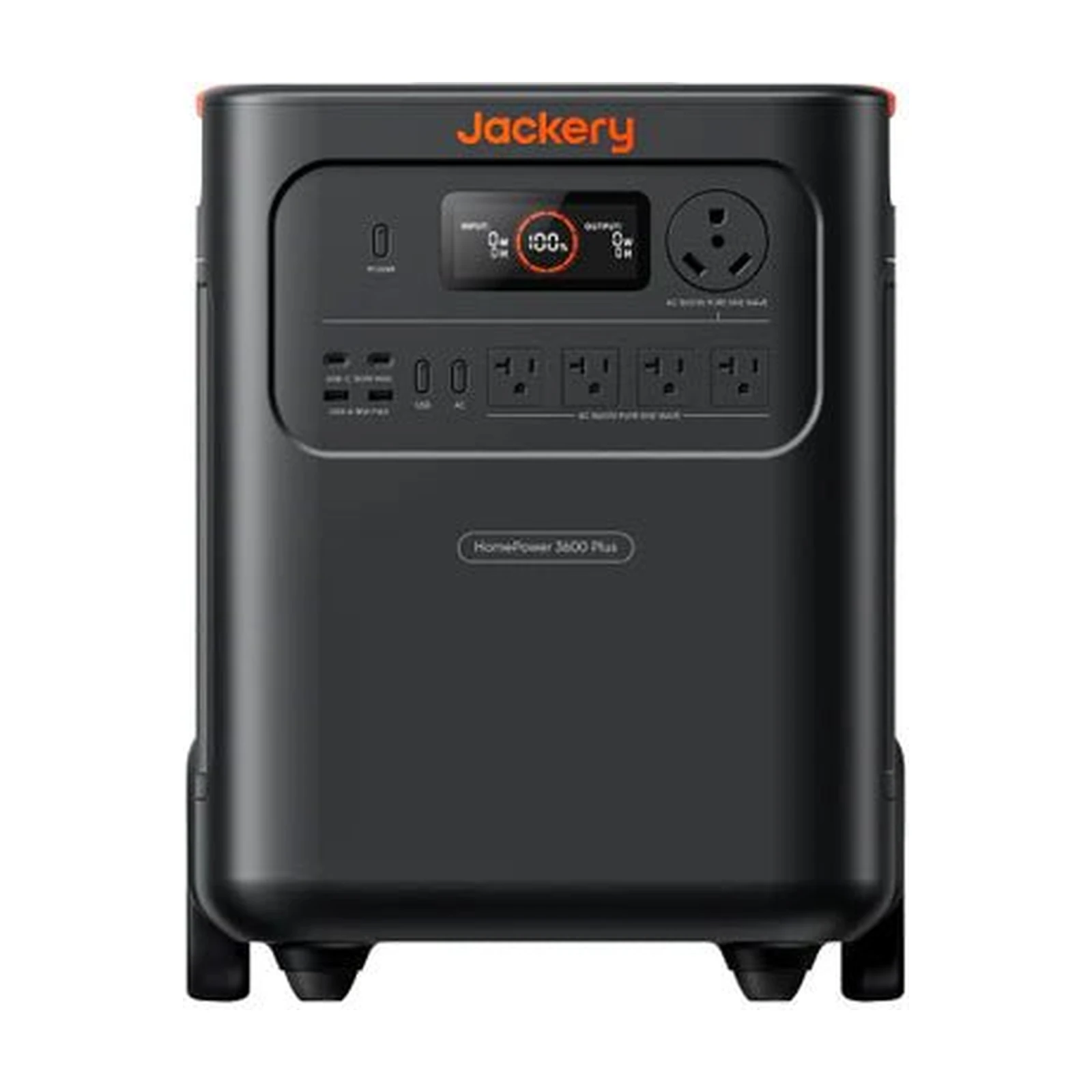
Jackery HomePower 3000

Projected runtime
2.1 days
Capacity headroom
3.9%
Usable energy basis
3,072 Wh

Why it fits

$1,169 current tracked price

Main compromise

89 min slower than the quickest sourced AC recharge (9 of 11 eligible models have this sourced value)

Open model dossier and sources
$1,169Good price
as of

Featured pick · required · camera

Field camera bodies

Plan the assignment around known camera bodies and battery types.

Capture the assignment with a planned primary and backup body.

Choose the version that matches your equipment.

Featured pick · required · camera

Manufacturer camera-battery charger

Use a charger approved for the exact camera battery.

Charge the exact battery chemistry with its approved profile.

Choose the version that matches your equipment.

Featured pick · optional · drone

Registered field drone kit

Match airspace, registration, weather, and mission requirements.

Capture aerial work within applicable rules and airspace authorization.

Choose the version that matches your equipment.

Featured pick · recommended · storage-media

Rugged portable SSD

Create a second field copy before cards are reused.

Create a second field copy of captured media.

Choose the version that matches your equipment.

Passing alternatives

These are distinct passing results from the same load manifest, not editorial substitutes.

  • Easy-carry fit

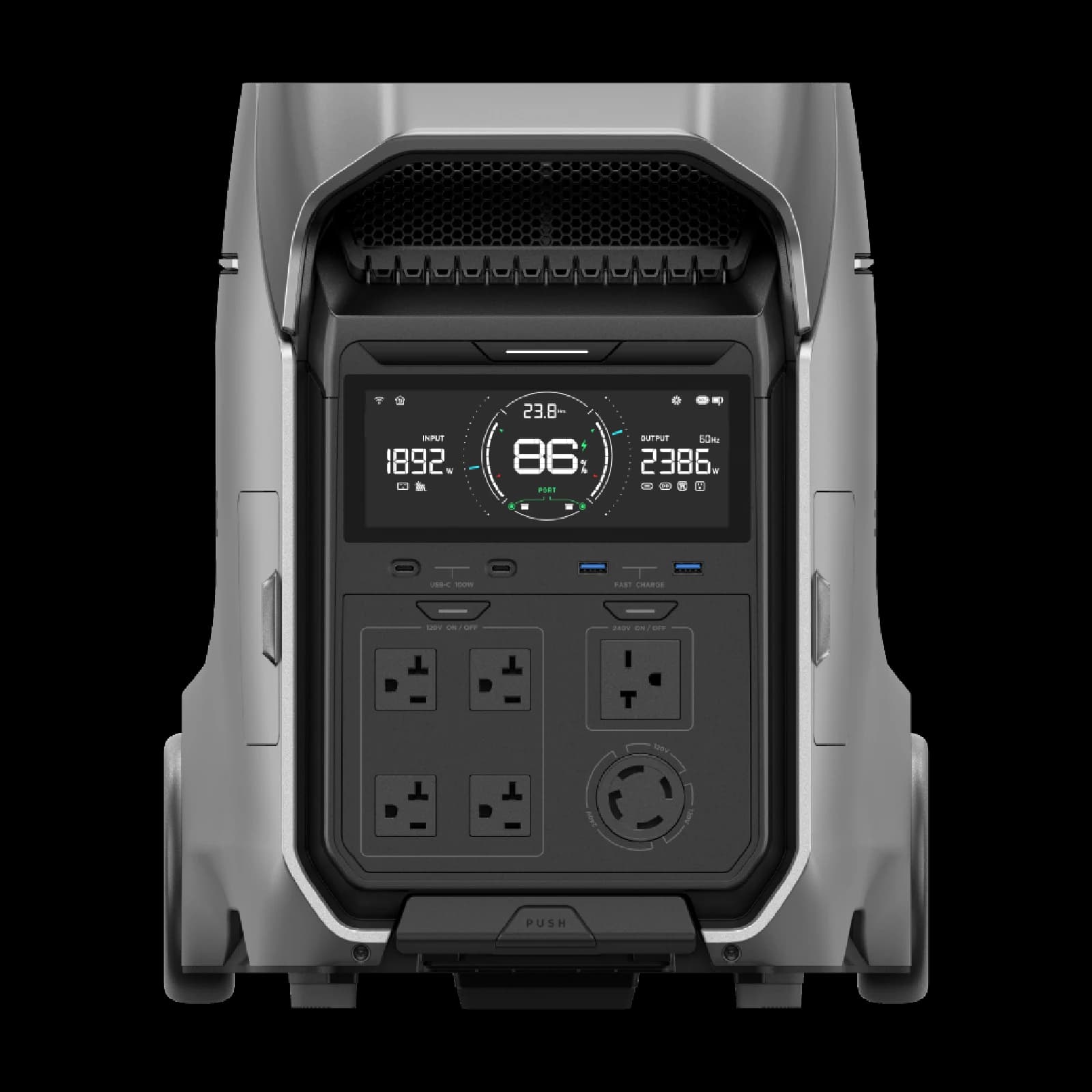
    EcoFlow DELTA 3 Ultra

    2.1 days projected

    Why it fits

    32.7 kg, 17.7 kg above the 15 kg preferred limit

    Main compromise

    5.7 kg heavier than the lightest eligible model (10 of 11 eligible models have this sourced value)

    Check fit and sources →
  • Extended runtime

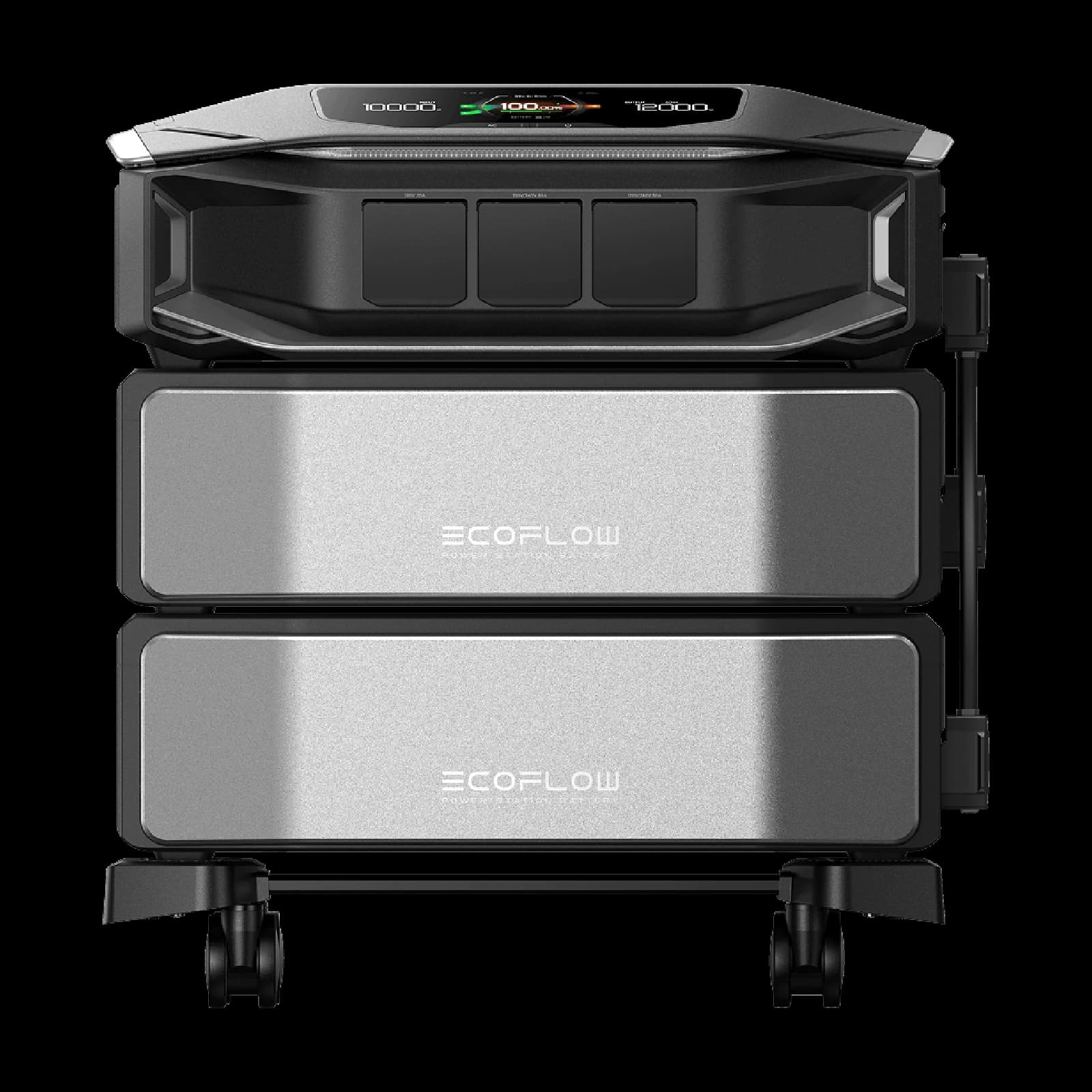
    EcoFlow DELTA Pro Ultra X

    8.3 days projected

    Why it fits

    8.3 projected runtime days

    Main compromise

    2,560 Wh below the largest sourced expanded reserve (10 of 11 eligible models have this sourced value)

    Check fit and sources →

02 · Complete equipment checklist

Full checklist

The complete list stays visible whether or not an exact retailer match exists. Mark it against the equipment you already own before buying anything.

Required

  • Field camera bodies

    camera

    Plan the assignment around known camera bodies and battery types.

    Capture the assignment with a planned primary and backup body.

  • Manufacturer camera-battery charger

    camera

    Use a charger approved for the exact camera battery.

    Charge the exact battery chemistry with its approved profile.

  • Camera-specific spare batteries

    camera

    Rotate model-specific packs through capture and charging.

    Rotate charged packs while others recharge.

  • Camera-approved memory cards

    storage-media

    Use media qualified for the chosen recording mode.

    Sustain the required recording mode and provide media redundancy.

Recommended

  • Rugged portable SSD

    storage-media

    Create a second field copy before cards are reused.

    Create a second field copy of captured media.

  • Laptop-compatible memory-card reader

    storage-media

    Offload without consuming camera battery.

    Offload footage without relying on camera batteries.

  • Laptop manufacturer charger

    power-cable

    Keep the ingest workstation on its supported power profile.

    Supply the workstation at its supported charging profile.

  • Camera and drone rain covers

    weather-protection

    Protect packed equipment without overstating operational weather resistance.

    Protect packed equipment from spray and dust.

  • Water-resistant equipment dry bag

    storage

    Separate spare batteries and electronics from moisture.

    Keep cables, filters, and sensitive electronics dry.

Optional / comfort picks (5)
  • Registered field drone kit

    drone

    Match airspace, registration, weather, and mission requirements.

    Capture aerial work within applicable rules and airspace authorization.

  • Drone-specific flight batteries

    drone

    Carry only compatible, inspected flight packs.

    Provide planned flight rotations.

  • Manufacturer drone charging hub

    drone

    Use the manufacturer charging profile for the exact packs.

    Charge compatible flight batteries using the intended sequence.

  • High-visibility drone landing pad

    drone

    Mark a clean, visible launch and recovery area.

    Mark a clean launch and recovery area.

  • Photo-grade gaffer tape

    organization

    Secure and label field cables cleanly.

    Secure and label cables without ordinary duct-tape residue.

03 · Before connecting anything

Compatibility checklist

  • Camera and drone rain covers

    A cover does not make equipment safe to operate outside its weather rating.

04 · Setup sequence

Test the kit before it matters

  1. 01

    Measure

    Confirm real device draw and the exact cables, voltage, polarity, and connectors.

  2. 02

    Charge

    Fully charge the station and every independent battery in the checklist.

  3. 03

    Connect

    Route cables safely, then connect required loads before comfort items.

  4. 04

    Rehearse

    Run the actual manifest long enough to catch heat, noise, cable, or fit problems.