← All complete kits

Computed kit · complete checklist

Complete Starlink Remote Work Kit

Generation-specific Starlink hardware, a stable workstation, and a measured energy budget.

Direct answer: Jackery HomePower 3000 is the balanced value from the scenario's shared recommendation policy. The checklist below covers the rest of the setup without turning every row into a product pitch.

Device energy / day
1,184 Wh
Running load
185 W
Energy for duration
2,368 Wh
Checklist depth
13 items
Source manifest · coverage checked

01 · Computed station + essential gear

Recommended kit core

Start with the primary role from this scenario's shared recommendation policy. Featured accessories appear only when they materially improve measurement, compatibility, safety, or setup.

Some links on this page are affiliate links. BatteryRank may earn a commission at no extra cost to you. Commission never affects whether a station passes these checks; when two stations tie on every measured criterion, the one with a live retail offer is shown.

Balanced value

Passes all configured checks

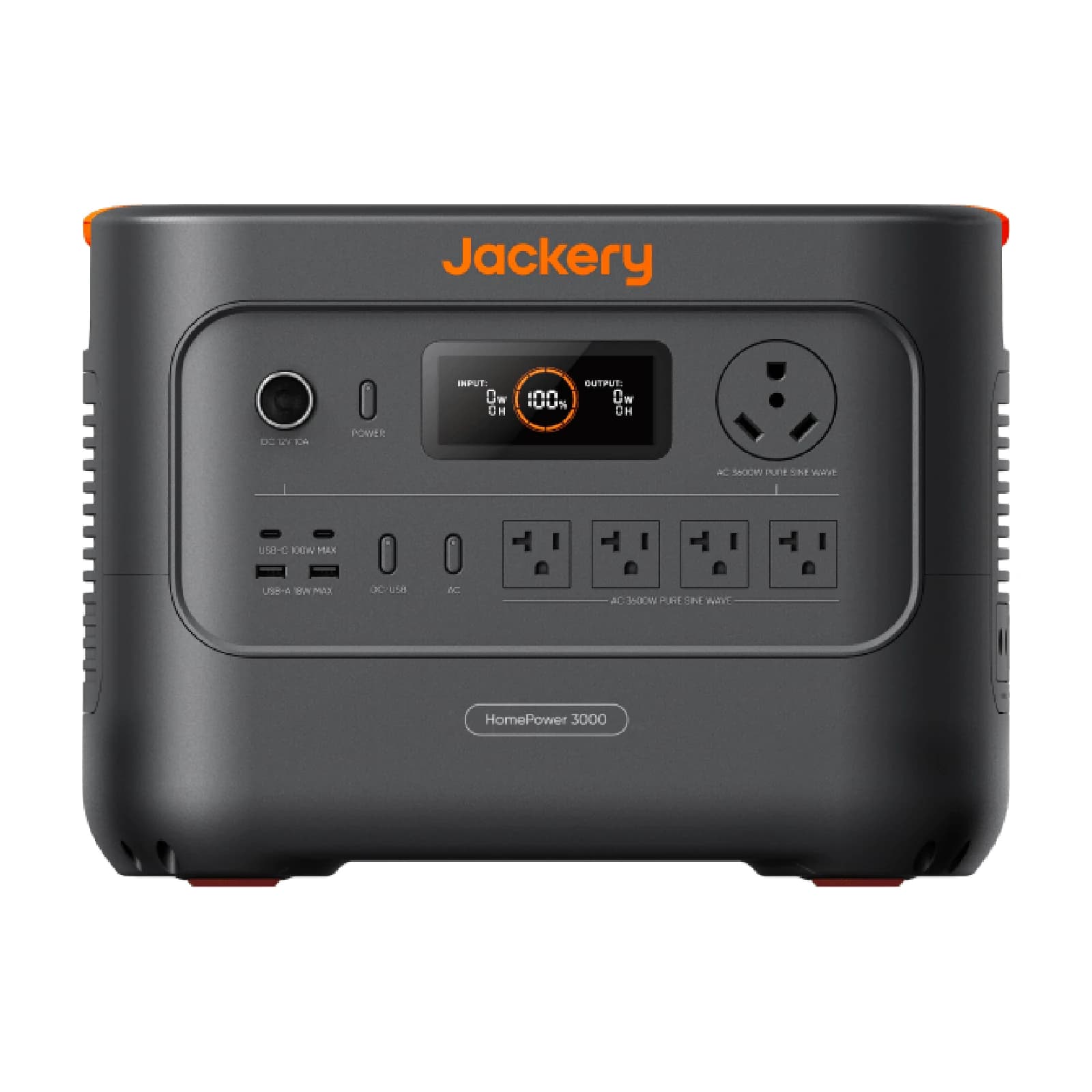
Jackery HomePower 3000

Projected runtime
2.2 days
Capacity headroom
12%
Usable energy basis
3,072 Wh

Why it fits

$1,169 current tracked price

Main compromise

9,000 W below the highest sourced solar input across 11 eligible models

Open model dossier and sources
$1,169Good price
as of

Featured pick · required · communications

Your exact Starlink hardware kit

Use the exact terminal generation represented by the energy plan.

Provide the satellite terminal, router, and supplied cables.

Choose the version that matches your equipment.

Featured pick · required · communications

Starlink-compatible weatherproof cable

Cable generation and connector must match the terminal.

Reach a clear-sky mounting location.

Choose the version that matches your equipment.

Featured pick · required · communications

Secure Starlink mount

A stable clear-sky mount is essential to connectivity.

Keep the terminal stable with a clear sky view.

Choose the version that matches your equipment.

Featured pick · recommended · solar

Station-compatible folding solar panel

Offset daytime terminal and laptop energy with a compatible panel.

Replace part of the daily energy use away from hookups.

Choose the version that matches your equipment.

Passing alternatives

These are distinct passing results from the same load manifest, not editorial substitutes.

  • Lightweight fit

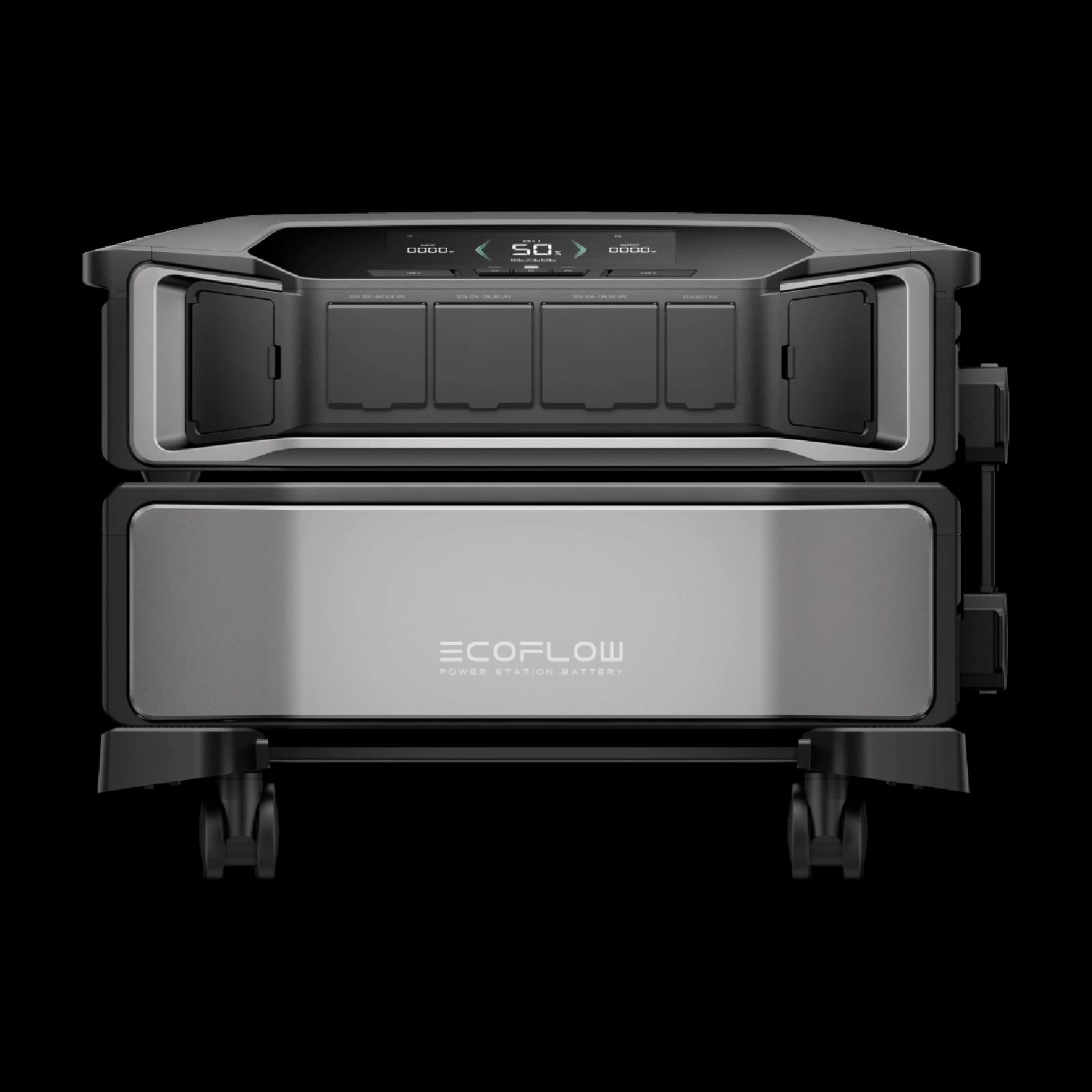
    EcoFlow DELTA 3 Ultra

    2.2 days projected

    Why it fits

    32.7 kg, 17.7 kg above the 15 kg preferred limit

    Main compromise

    5.7 kg heavier than the lightest eligible model (10 of 11 eligible models have this sourced value)

    Check fit and sources →
  • Longer off-grid stay

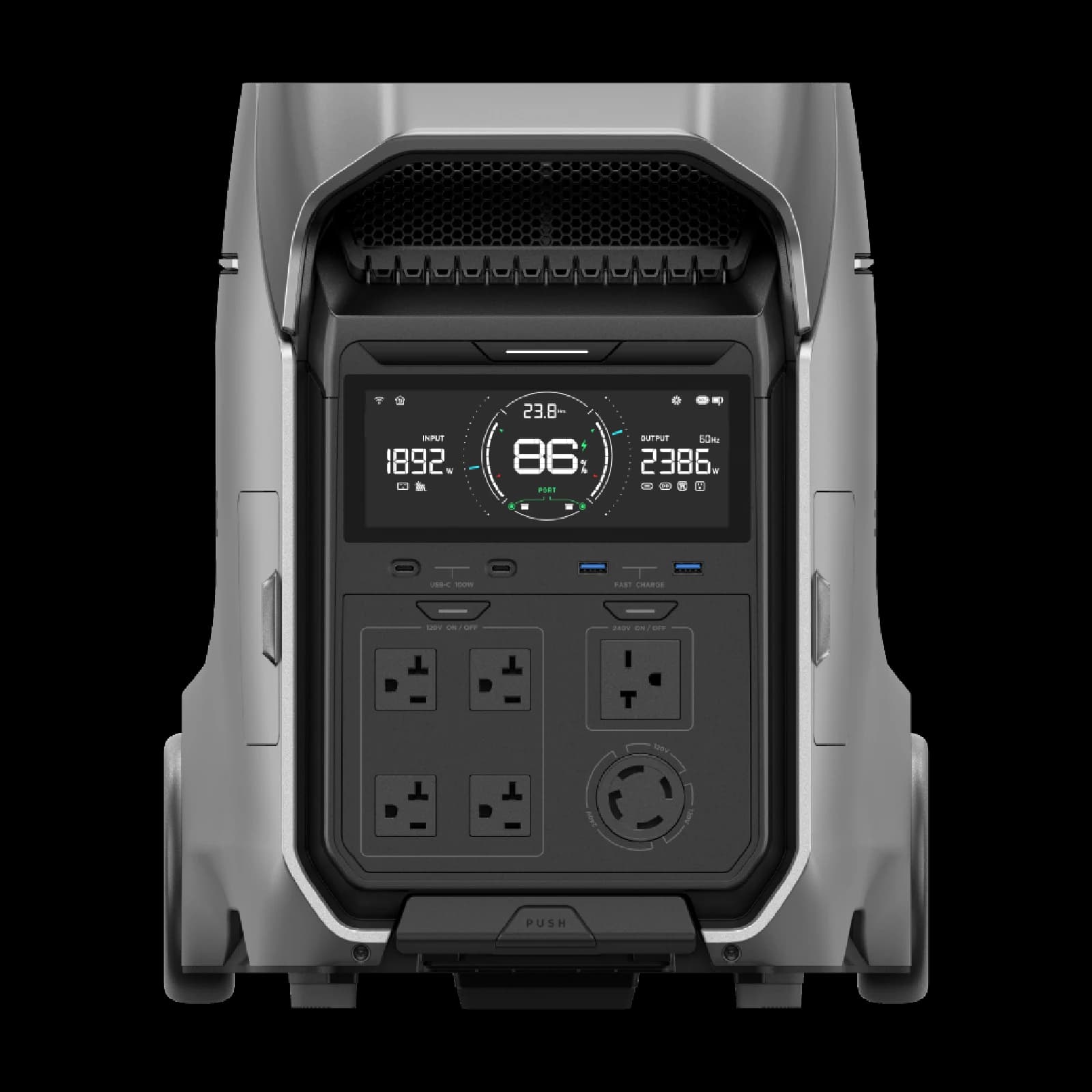
    EcoFlow DELTA Pro Ultra

    4.5 days projected

    Why it fits

    4.5 projected runtime days

    Main compromise

    4.5 days less projected runtime than the longest-running eligible model across 11 eligible models

    Check fit and sources →

02 · Complete equipment checklist

Full checklist

The complete list stays visible whether or not an exact retailer match exists. Mark it against the equipment you already own before buying anything.

Required

  • Your exact Starlink hardware kit

    communications

    Use the exact terminal generation represented by the energy plan.

    Provide the satellite terminal, router, and supplied cables.

  • Starlink-compatible weatherproof cable

    communications

    Cable generation and connector must match the terminal.

    Reach a clear-sky mounting location.

  • Secure Starlink mount

    communications

    A stable clear-sky mount is essential to connectivity.

    Keep the terminal stable with a clear sky view.

  • Laptop manufacturer charger

    power-cable

    Carry the workstation charger that supports its required profile.

    Supply the workstation at its supported charging profile.

  • Battery emergency weather radio

    communications

    Retain an alert channel independent of Starlink.

    Receive alerts without cellular service or grid power.

Recommended

  • Station-compatible folding solar panel

    solar

    Offset daytime terminal and laptop energy with a compatible panel.

    Replace part of the daily energy use away from hookups.

  • E-marked USB-C PD cable

    power-cable

    Use a cable rated for the negotiated charging power.

    Carry the laptop charging power supported by both source and device.

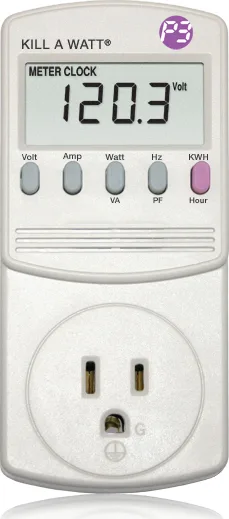
  • P3 International P4400 Kill A Watt electricity monitor

    measurement

    Measure the complete terminal and workstation load before travel.

    Measure the real wall draw and energy use of plug-in equipment before sizing backup power.

  • Water-resistant equipment dry bag

    storage

    Protect spare network and charging hardware from weather.

    Keep cables, filters, and sensitive electronics dry.

Optional / comfort picks (4)
  • Travel router

    networking

    Segment or share the connection where the network design needs it.

    Share or segment the available connection for field devices.

  • Outdoor-rated Ethernet cable

    networking

    Use a wired link only where the Starlink hardware supports it.

    Create a wired network run where supported.

  • Ventilated laptop stand

    workspace

    Keep laptop cooling paths open during sustained work.

    Keep cooling paths open during sustained work.

  • Weather-resistant notebook

    planning

    Keep contacts, energy readings, and setup notes offline.

    Record energy readings, contacts, and setup notes offline.

03 · Before connecting anything

Compatibility checklist

  • Starlink-compatible weatherproof cable

    Starlink generations use different connectors; match the exact hardware generation.

  • Secure Starlink mount

    Choose a mount approved for the terminal generation and expected wind.

  • Station-compatible folding solar panel

    Verify connector, open-circuit voltage, current, polarity, and station input limits.

  • E-marked USB-C PD cable

    Match the required wattage and connector; the cable alone cannot add unsupported charging modes.

  • P3 International P4400 Kill A Watt electricity monitor

    120V AC loads only; do not exceed the meter nameplate rating.

04 · Setup sequence

Test the kit before it matters

  1. 01

    Measure

    Confirm real device draw and the exact cables, voltage, polarity, and connectors.

  2. 02

    Charge

    Fully charge the station and every independent battery in the checklist.

  3. 03

    Connect

    Route cables safely, then connect required loads before comfort items.

  4. 04

    Rehearse

    Run the actual manifest long enough to catch heat, noise, cable, or fit problems.