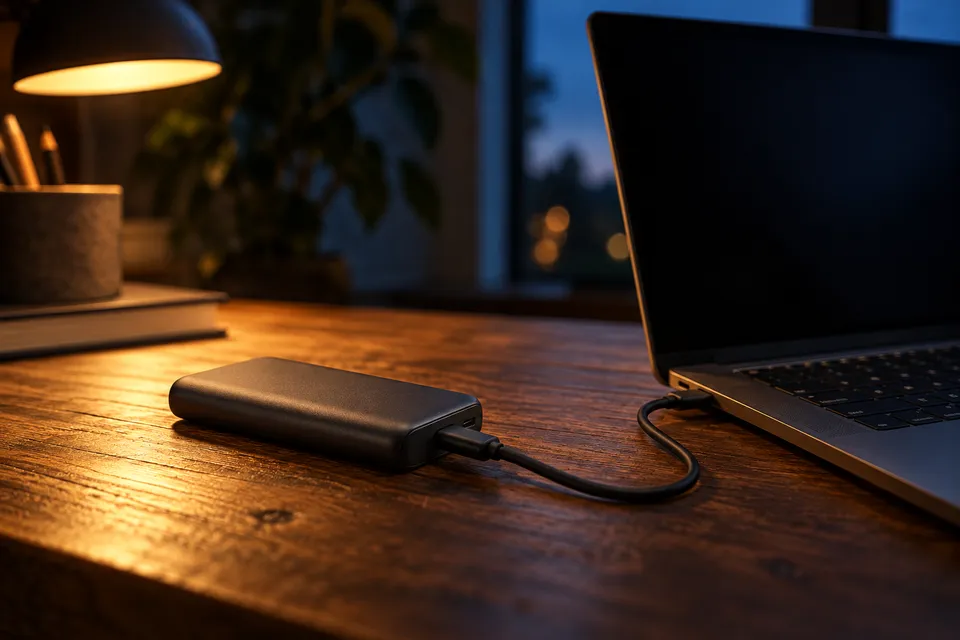
Confirm the laptop’s charging route
Read the laptop maker’s recommended adapter rating and charging instructions. A USB-C-shaped port alone does not confirm that the port accepts power.
Apple says USB-C-charging Macs can use USB Power Delivery adapters above or below the recommended wattage. For its best charging experience, Apple recommends meeting the model’s minimum.
Source: Apple USB-C adapter guidance, checked October 7, 2026.
If you plan to work while charging, follow the laptop maker’s recommended rating. A lower-rated source may not meet the device’s preferred charging rate.
Read the one-port rating and profiles
USB Type-C names the connector. USB Power Delivery (PD) is a separate charging protocol. PD 3.1 supports power levels up to 240 W. The bank, laptop and cable must all support the mode you want to use.
Source: USB Implementers Forum, USB Power Delivery, checked October 7, 2026.
Profiles list the voltage and current a port can negotiate. Compare them with the laptop’s supported input, not only the wattage ceiling.
Compare published bank examples
| Model | Single-port output | Other published detail |
|---|---|---|
| CUKTECH 20 | 140 W | 28 V / 5 A profile |
| UGREEN Nexode | 100 W | Capacity 20,000 mAh Retractable cable 65 W Combined output 165 W |
| INIU Carry P55L-E2 | 45 W | Built-in USB-C cable |
Check the charging profile as well as the watt limit. Your laptop and cable must support the mode that port offers.
Check the cable and other connected ports
Check the cable’s stated power rating against the charging mode you need. USB-IF publishes separate Type-C cable power ratings and certification marks.
Source: USB-IF Type-C cable and product guidance, checked October 7, 2026.
An attached or retractable lead has a fixed rating. Check that rating separately from the bank’s USB-C port.
If you connect another device, read the bank’s simultaneous-output table. The combined maximum may be divided across active ports.
Keep bank recharge separate from laptop output
UGREEN lists up to 100 W input through USB-C1. That figure describes charging the bank. It does not promise a fixed refill time; the wall charger, cable and charging conditions also matter.
Source: UGREEN specifications, checked October 7, 2026.
Check laptop compatibility before buying
- Confirm the laptop accepts charging through its USB-C port.
- Find its recommended adapter rating and accepted PD profiles.
- Match those requirements to one bank USB-C port.
- Check that the cable supports the required mode.
- Read shared-output limits if you will use another port.
Compare sourced one-port ceilings in the laptop output ranking, then read the model review for its profiles and shared limits.
Frequently asked questions
- Will any USB-C power bank charge my laptop?
- No. The laptop must support charging over that USB-C port and accept a compatible USB Power Delivery mode. A USB-C connector alone does not promise USB PD or laptop charging.
- Should I match the wattage printed on my laptop adapter?
- Start there, then read the laptop maker’s charging requirements. Some laptops accept lower-wattage USB-C PD and charge more slowly; the device’s own behavior and guidance control.
- Can a higher-wattage power bank damage a laptop?
- With USB Power Delivery, the source and laptop negotiate a supported operating mode; a larger headline wattage is a maximum capability, not a forced delivery. Use reputable compliant equipment and the device maker’s instructions.